
Stop Typing. Start Importing.
See how the Transaction Importer turns hours of manual data entry into a 5-minute AI-assisted workflow. 20-minute demo. No pressure.
Not ready for a demo? See what manual entry is costing your firm.
Calculate Your ROI

Meet our AI-Powered Statement Importer
Reduce data entry time by 90%+
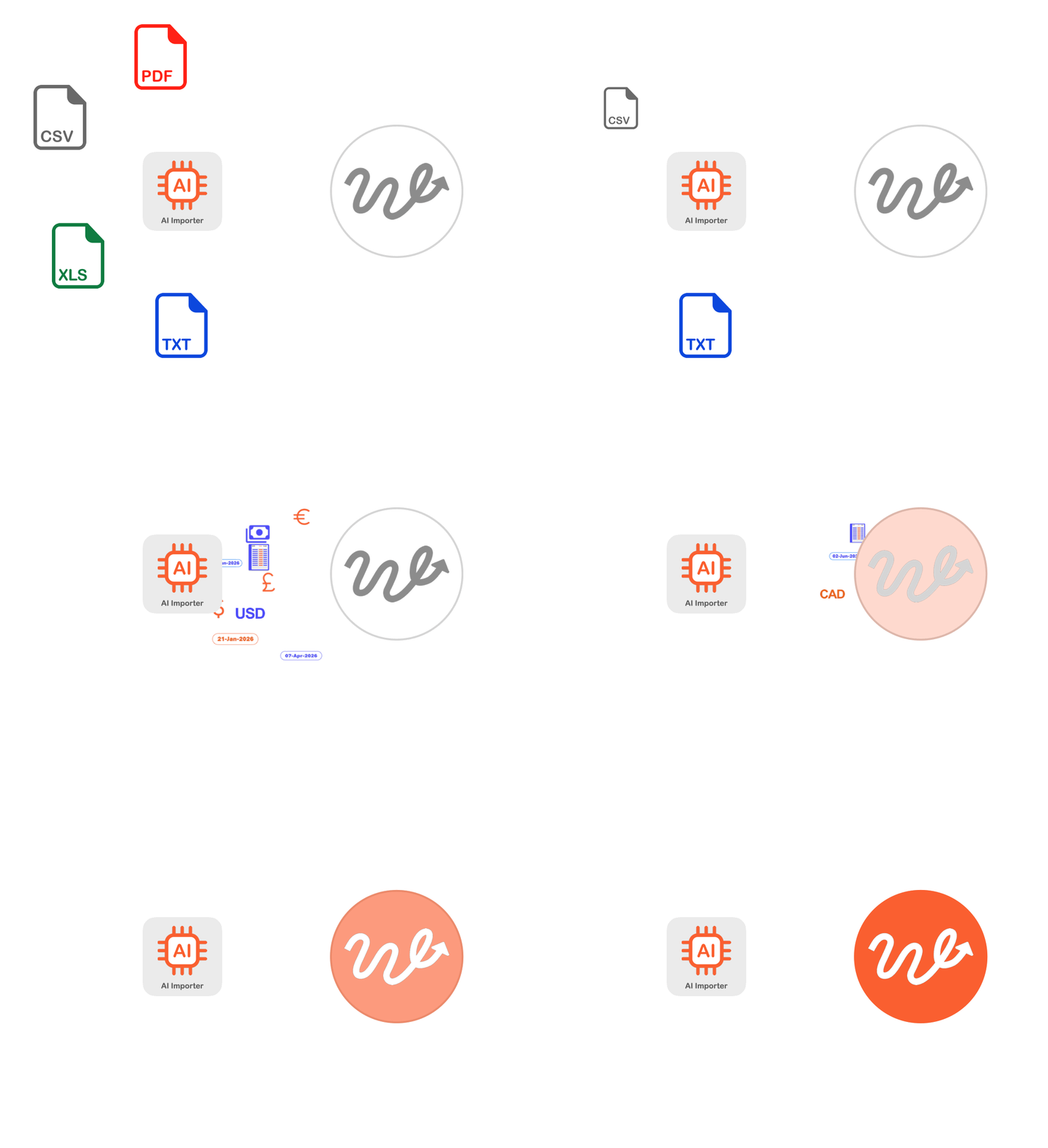
Upload any brokerage statement, from any institution. Wealth Write.Up reads it, extracts every transaction, and posts directly to your general ledger — with a conversational AI assistant to refine anything along the way.
90%+
Reduction in Data
Entry Time
41
Transaction Types
Supported
0
Templates Required
>99.9%
Data Extraction
Accuracy
You Shouldn’t be Typing
Transactions From PDFs. In 2026.
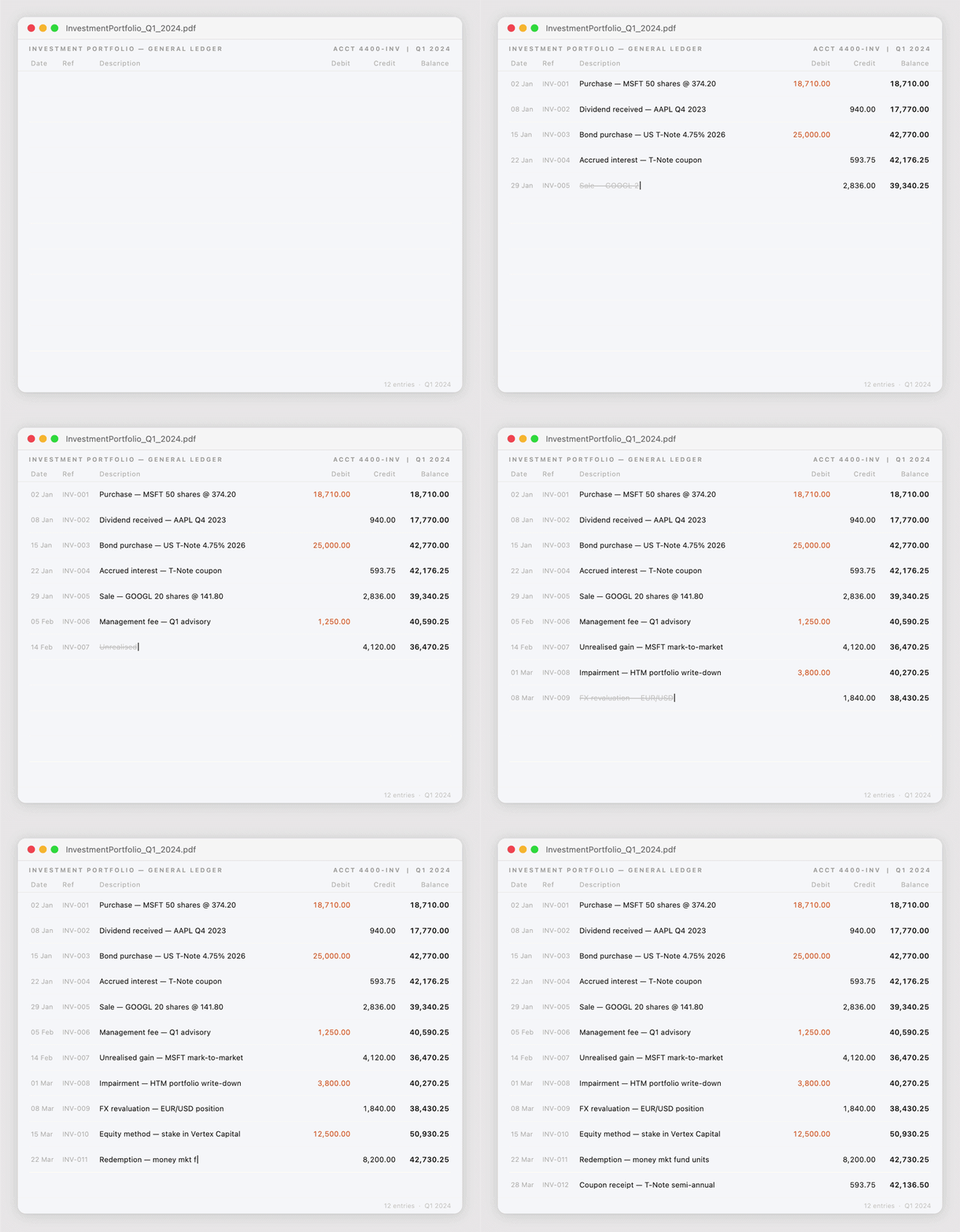
Every statement that arrives — from every broker, every bank, every custodian — follows the same painful workflow. Open the PDF. Read each line. Type each transaction into your accounting system. Check the amounts. Fix the typos. Move to the next statement. Repeat for every client, every month, every year.
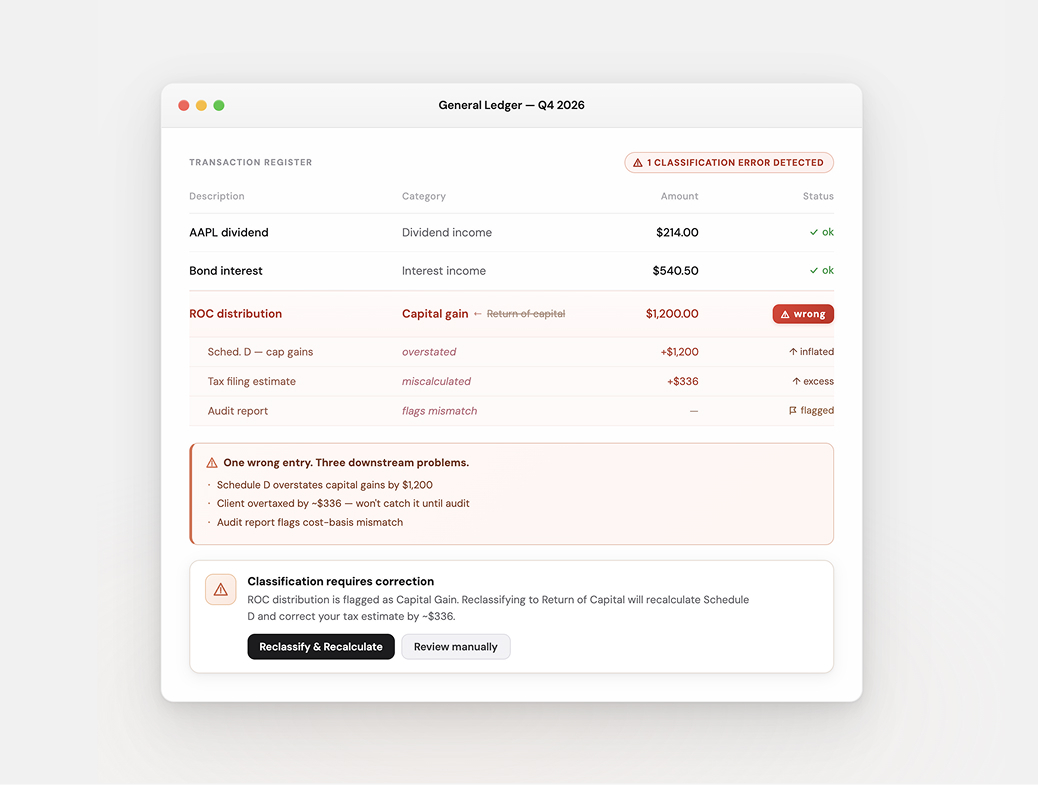
One missed digit in a cost base. One dividend coded as a capital gain. One return of capital entered as income. These errors don’t just waste time — they cascade through every report, every tax filing, every audit. And you won’t find them until it’s too late.
The Transaction Importer eliminates manual data entry entirely. Upload a statement. AI reads it, structures it, and posts it — with a conversational assistant to fix anything along the way.
Step 1
upload

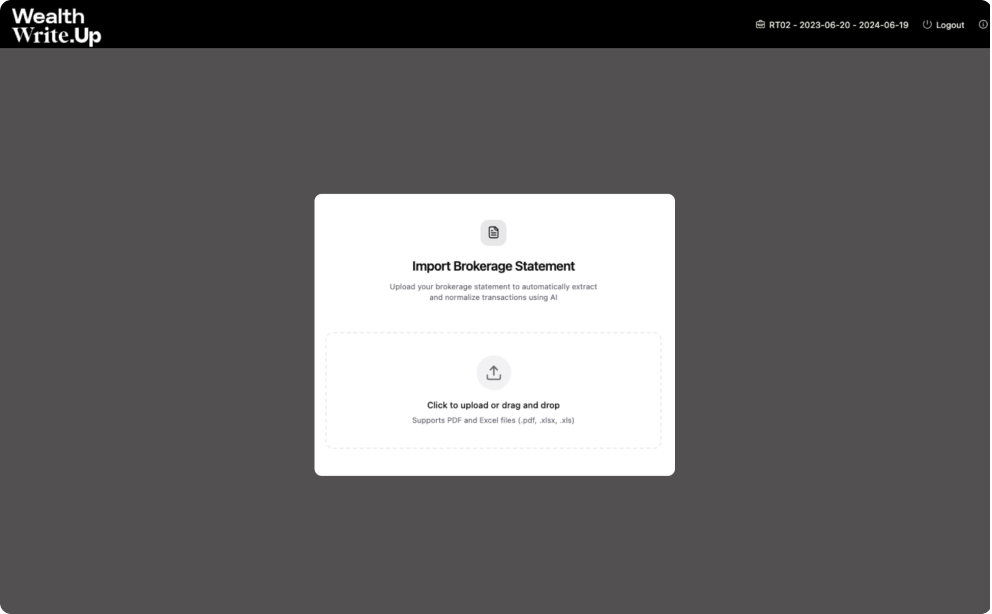
Drag and drop any PDF, scanned document, or Excel file. Brokerage statements, bank statements, private lending reports — from any institution, any format…
Step 2
extract

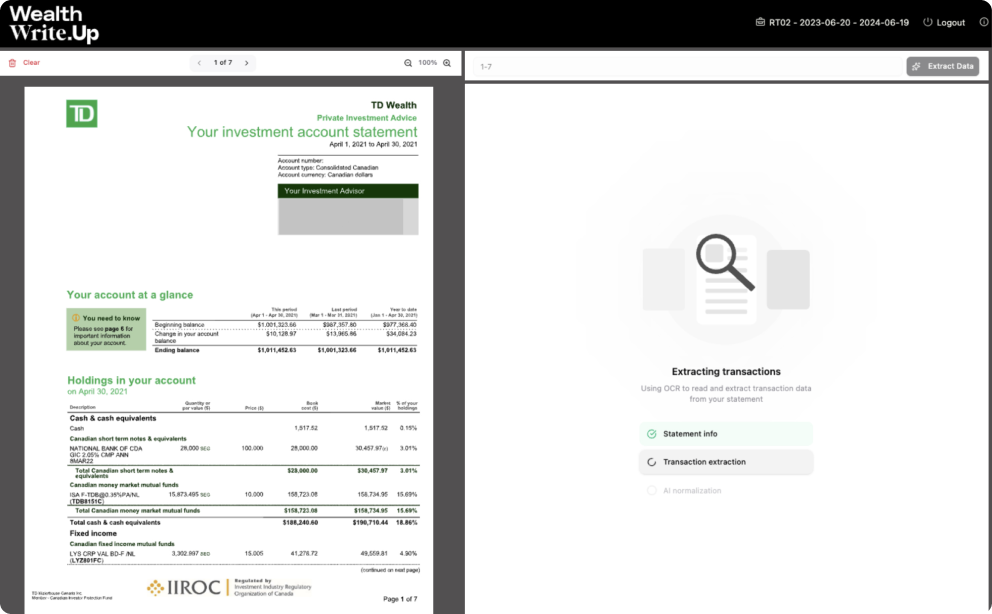
Transactions are extracted and organized from your statement. Securities are matched to your existing database and transaction types…
Step 3
review, chat & post

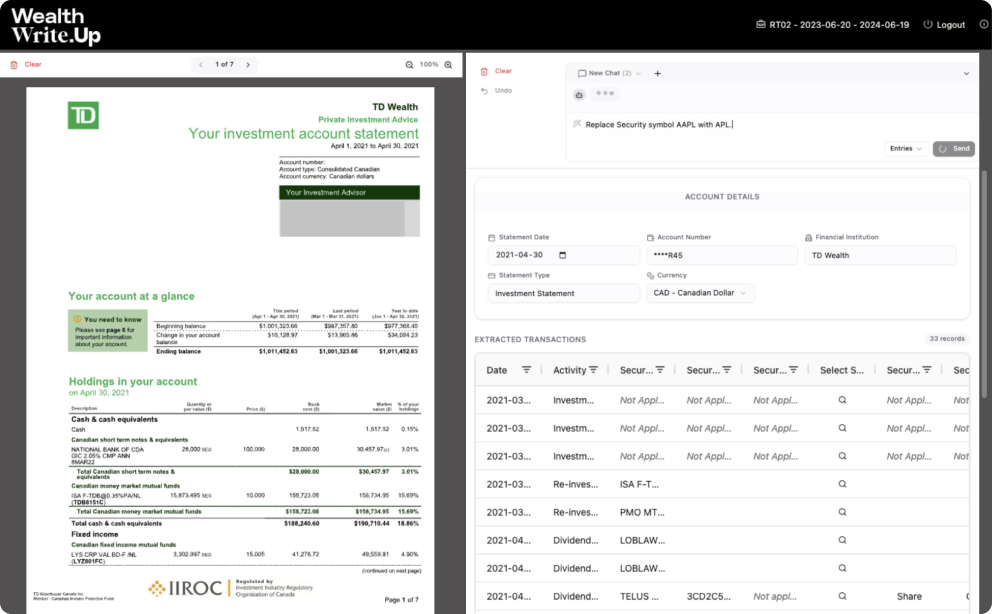
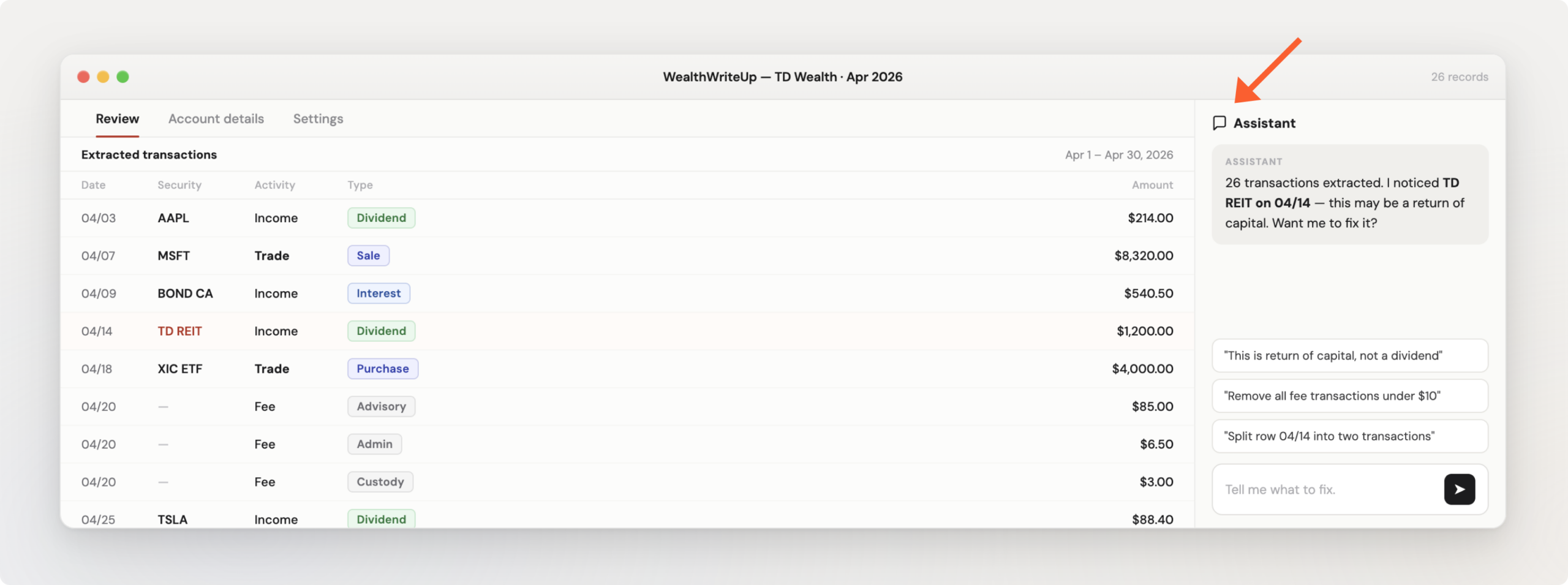
Review extracted transactions side-by-side with the original document. Need to fix something? Just tell the agent in plain English: “Split this into two transactions,”…
Talk to Your Data.
Spot an Error? Just Tell it What to Fix.
WealthWrite.Up’s importer comes with a built-in AI assistant right inside the review screen.
Upload Any Statement
PDF, scanned documents, and Excel. Specify page ranges for large documents. Any broker, any bank, any format.
AI-Powered Extraction
Upload any statement and receive structured, validated transactions ready for your review.” Shifts from process to outcome.

Conversational Editing
Chat naturally: “split this transaction,” “fix the dates,” “assign this security.” Plain English, not menus.

Auto-Matching
AI matches securities and assigns transaction types from your database. High-confidence matches applied instantly.

Full Validation
Real-time checks: required fields, security type compatibility, currency matching. Errors highlighted before posting.

Multi-Currency
Handles CAD and USD statements natively. Bank of Canada exchange rates applied automatically.

Security Management
Search your database. Add new securities on the fly — created automatically when you post.

Excel Export
Download the transaction table as a formatted Excel workbook at any time during the review process.

Undo / Redo
Revert to any previous transaction state during the editing session. Full change history preserved.
One-Click GL Posting
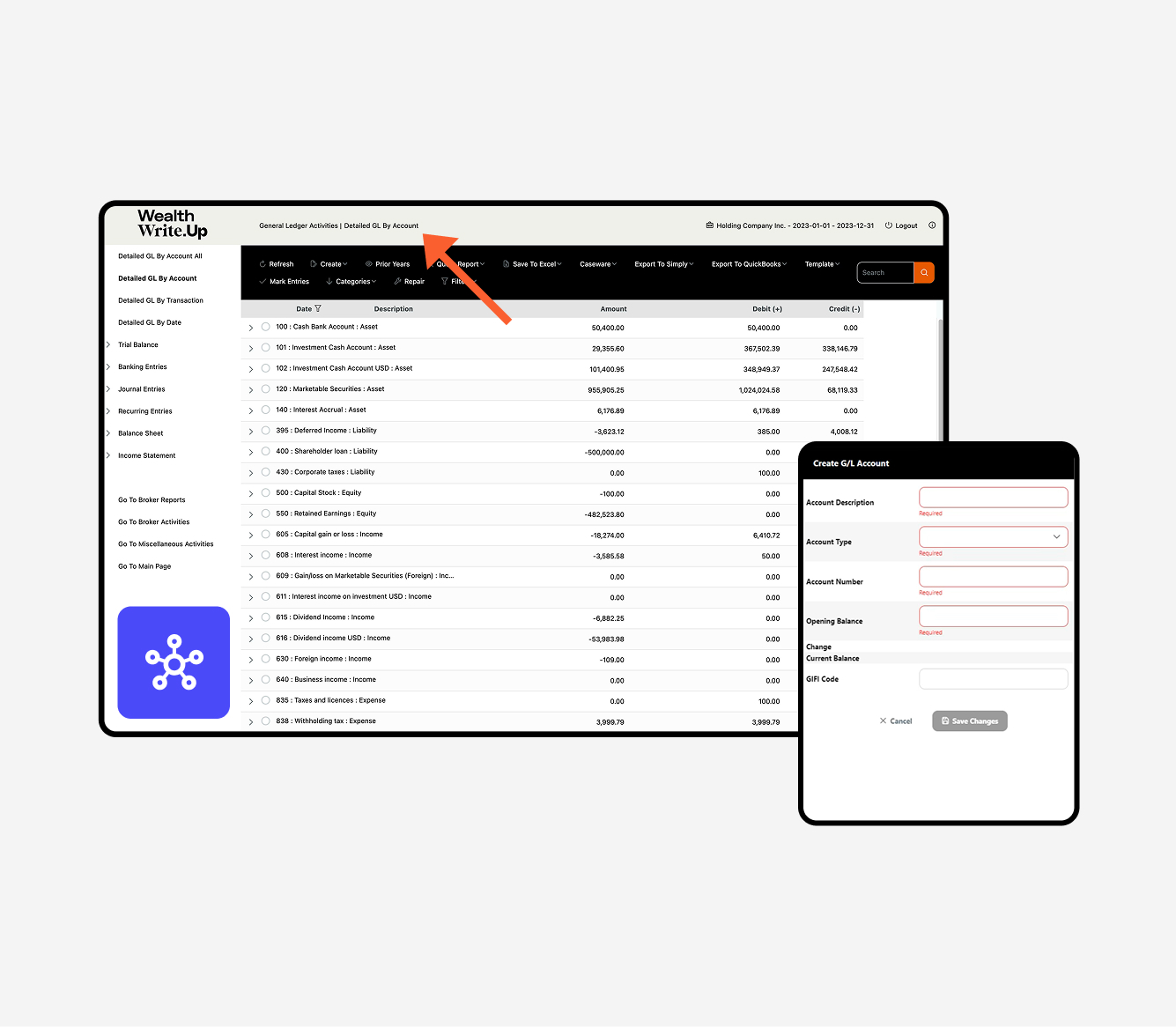
Post validated transactions directly to your general ledger. All 41 transaction types supported. Balanced journal entries created automatically.
Other solutions separate extraction from investment accounting. They extract data in one system, then hand it off to another system for posting — creating integration gaps, validation failures, and reconciliation headaches.
Wealth Write.Up is the leading the industry by enabling AI-powered statement-to-transaction import directly into its general ledger. Every extracted transaction flows through the same validation engine, the same 41 transaction types, the same ACB calculations, and the same balanced journal entries as manually entered data. No middleware. No mapping rules. No reconciliation to a separate system.

Intelligent AI adapts to every format automatically. When brokers change their statements, the importer adapts. No templates. No re-training. No 10-day onboarding periods.

Buys, sells, dividends, return of capital, stock splits, spin-offs, options, trust distributions — every transaction type your broker statement contains, the importer can classify and post.

Full support for both markets, both tax regimes, both currencies. ACB and cost basis are calculated correctly regardless of jurisdiction.

Upload a full year-end statement with hundreds of transactions. Select specific page ranges for large documents. Process an entire year of activity in minutes.
Your Data Stays Yours. Period.
We know what you’re thinking: “Where does my client’s financial data go when I upload it to an AI?” Here’s the answer.
Sovereign AI models
Your data is processed in an isolated, secure environment. It is never shared with AI model providers and never used to train AI models.
Deleted after processing
Uploaded documents are deleted from the processing environment once extraction is complete. Your original files are not retained.
SOC 2 Type certified
Our infrastructure meets the same security and controls standards trusted by banks and regulated financial institutions.
Canadian data residency
All data hosted on Microsoft Azure in Canada. Your client’s financial information never leaves the country.
You always have the final say
Al extracts and suggests. You review, edit, and approve. Nothing posts to your general ledger without your explicit confirmation.
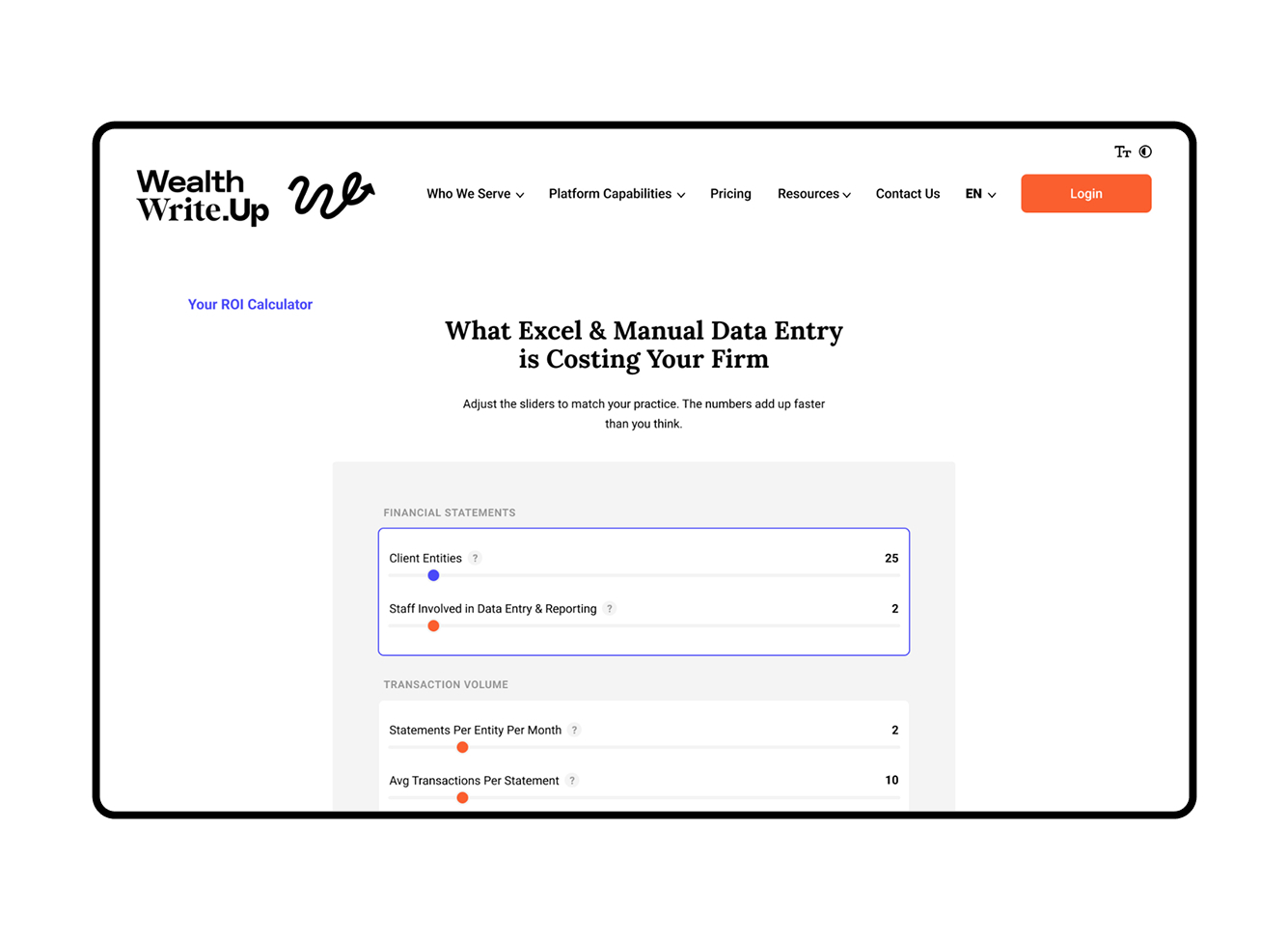
Your Practice
The answer depends on your client count, transaction volume, and what you’re paying staff to type numbers from PDFs. Our calculator builds a cost profile for your specific practice — including the hidden costs of errors, corrections, and spreadsheet maintenance.
Brokerage statements, bank statements, private lending reports, and other financial documents. PDF, scanned PDF, and Excel formats are all supported. The AI adapts to any format from any institution — no templates or pre-configuration required.
No. The Transaction Importer uses intelligent AI that reads and understands financial statements from any institution, in any format. When brokers change their statement layouts, the importer adapts automatically. There’s no onboarding period and no manual template setup.
All 41 transaction types that Wealth Write.Up supports — including buys, sells, dividends (eligible and non-eligible), return of capital, interest income, stock splits, spin-offs, options, trust distributions, transfers, fees, and more. Both Canadian and US statements are fully supported.
The AI is highly accurate across a wide range of statement formats. But we don’t ask you to trust it blindly — that’s why we built a full review interface with side-by-side document comparison and a conversational AI assistant to help spot anomalies. You verify every transaction before it posts to your general ledger.
Your uploaded documents are processed in a secure, isolated environment. Data is never shared with AI model providers and never used to train AI models. Documents are deleted from the processing environment after extraction is complete. All data resides in Canada on SOC 2 certified Microsoft Azure infrastructure.
Yes — and this is one of the most powerful features. You can chat with the AI assistant in plain English to make changes: split transactions, change dates, reassign security types, convert currencies, and more. You can also undo and redo to any previous state, and export to Excel at any point.
For statements you import, yes. Transactions are extracted, validated, and posted through the same engine that handles manual entry — the same 41 transaction types, the same ACB calculations, the same balanced journal entries. You can still enter transactions manually for situations where you prefer to.
The industry has been waiting for direct feeds for years – and they still have not materialized. Meanwhile, clients are demanding more and more efficiency. Further – direct feeds are not necessarily the book of record and do not contain key information in a useable manner. Wealth Write.Up’s importer addresses this.
Yes. You can upload multi-page and multi-month statements. For large documents, you can select specific page ranges to process. An entire year of brokerage activity can be imported in minutes.
It depends on your practice — specifically, how many client entities you manage, how many statements you process each month, and how much time your team currently spends on manual entry and error correction. Our ROI Calculator lets you input your own numbers and see a cost comparison tailored to your firm. Most practices see a 90%+ reduction in data entry time and significant annual savings.
Stop Typing. Start Importing.
See how the Transaction Importer turns hours of manual data entry into a 5-minute AI-assisted workflow. 20-minute demo. No pressure.
Not ready for a demo? See what manual entry is costing your firm.
Calculate Your ROI
Whether you’re managing books for a family office, an accounting firm, or a holding company, we’ll tailor the demo to what matters most to your practice.